








What Is Windows Operating System and How It Works
Getting Familiar With Windows is an important step for anyone beginning their journey in computer science. Microsoft Windows is one of the most widely used operating systems in the world, helping users interact with computer hardware and software easily. Understanding Windows allows students to manage files, run programs, configure settings, and use essential system tools effectively. In computer science education, learning about Windows builds a strong foundation in operating systems, graphical user interfaces, and system management concepts that are necessary for both academic learning and real world computer usage.
Definition and Meaning
Getting Familiar With Windows refers to understanding the basic features, components, and functions of the Microsoft Windows operating system. In computer science, Windows is classified as a system software that manages hardware and provides a platform for running application software.
- Operating System - Software that controls computer hardware and software resources.
- Graphical User Interface (GUI) - Visual interface with icons, windows, and menus.
- Desktop - Main screen where icons and taskbar are displayed.
- File System - Structure used to store and organize files and folders.
How It Works / Working Principle
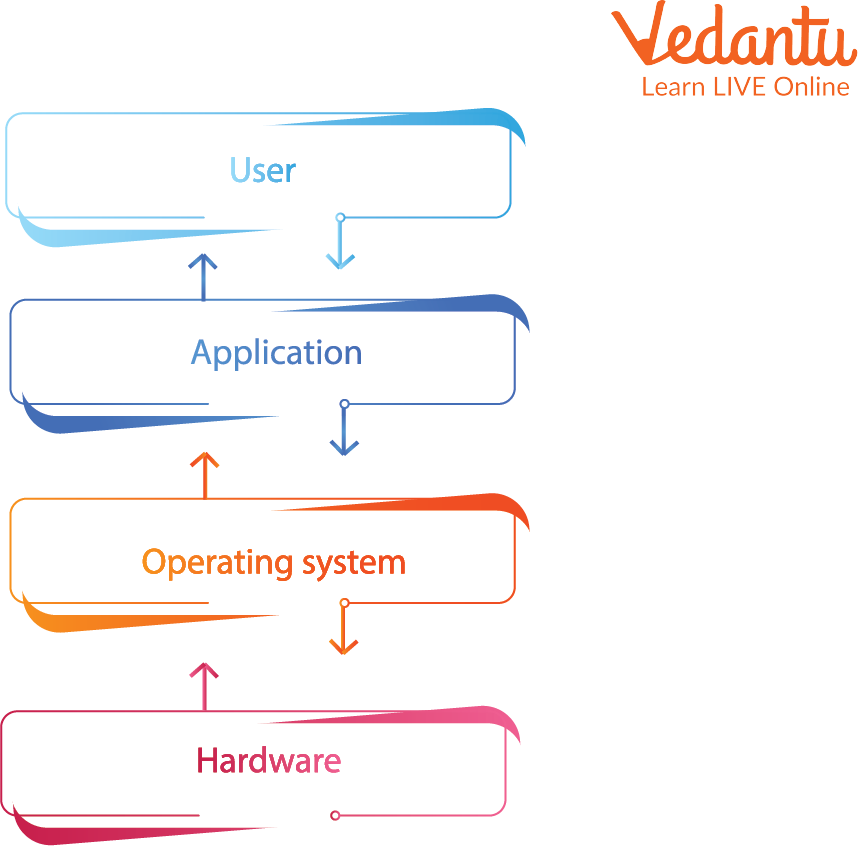
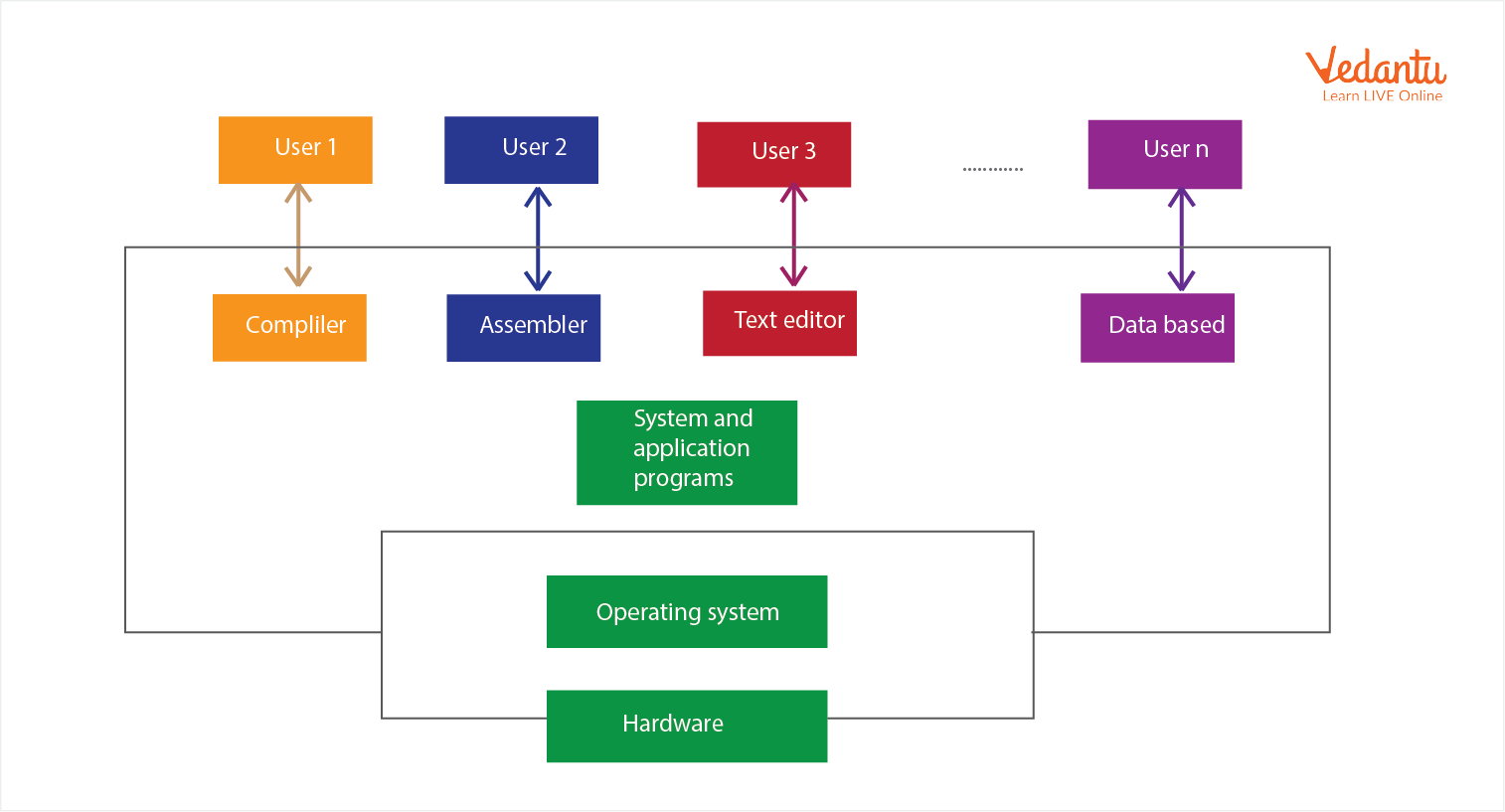
The Getting Familiar With Windows working concept involves understanding how Windows connects the user, hardware, and application programs. It acts as a bridge between the user and the computer's internal components.
- When the computer is turned on, the Windows OS loads into memory.
- It initializes hardware such as keyboard, mouse, monitor, and storage devices.
- The desktop and graphical interface are displayed for user interaction.
- Users open applications like browsers or word processors.
- Windows manages memory, processes, and files in the background.
Types and Classification
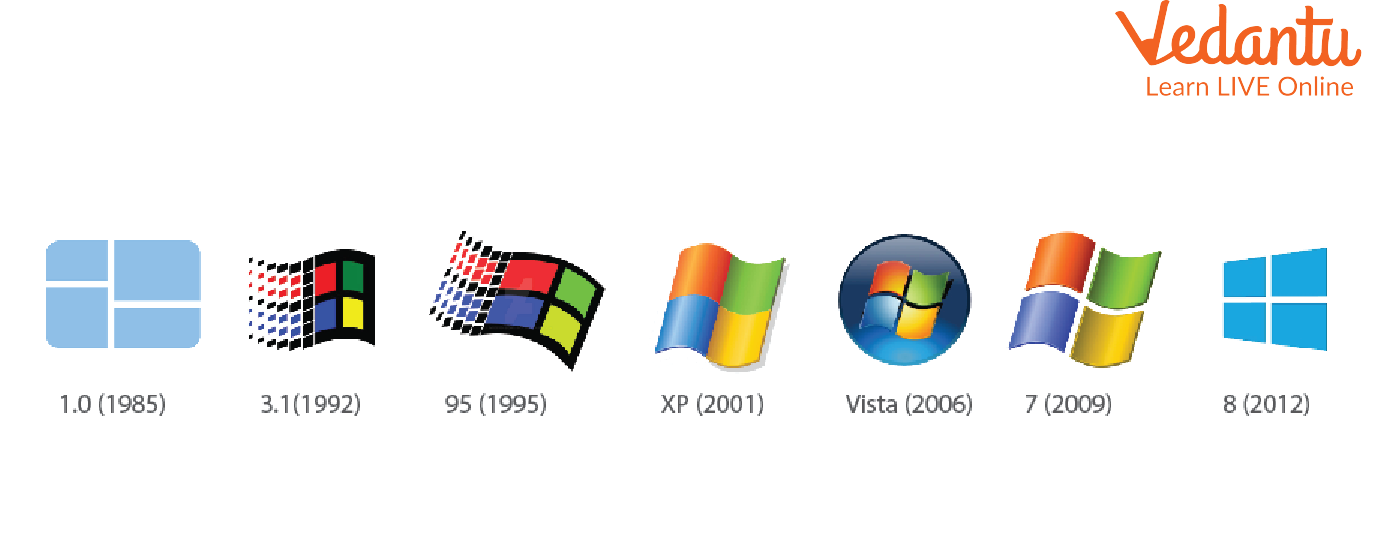
There are different versions and types of Windows operating systems developed over time.
- Windows 7 - Popular for its simple interface and stability.
- Windows 8 and 8.1 - Introduced touch screen features and tile based interface.
- Windows 10 - Combined traditional desktop with modern features.
- Windows 11 - Latest version with improved design, performance, and security.
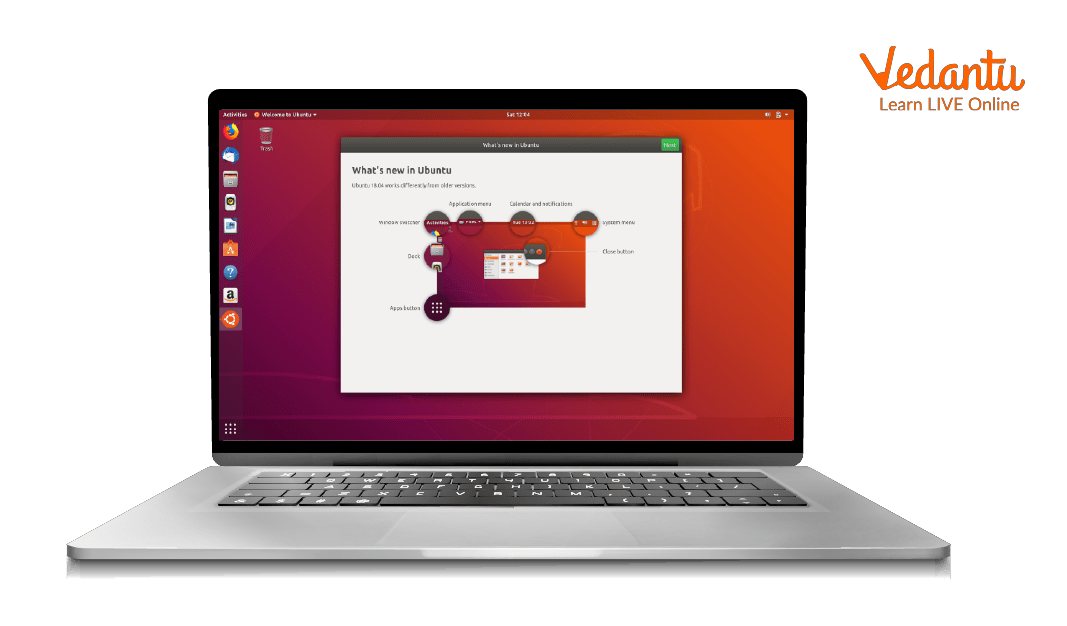
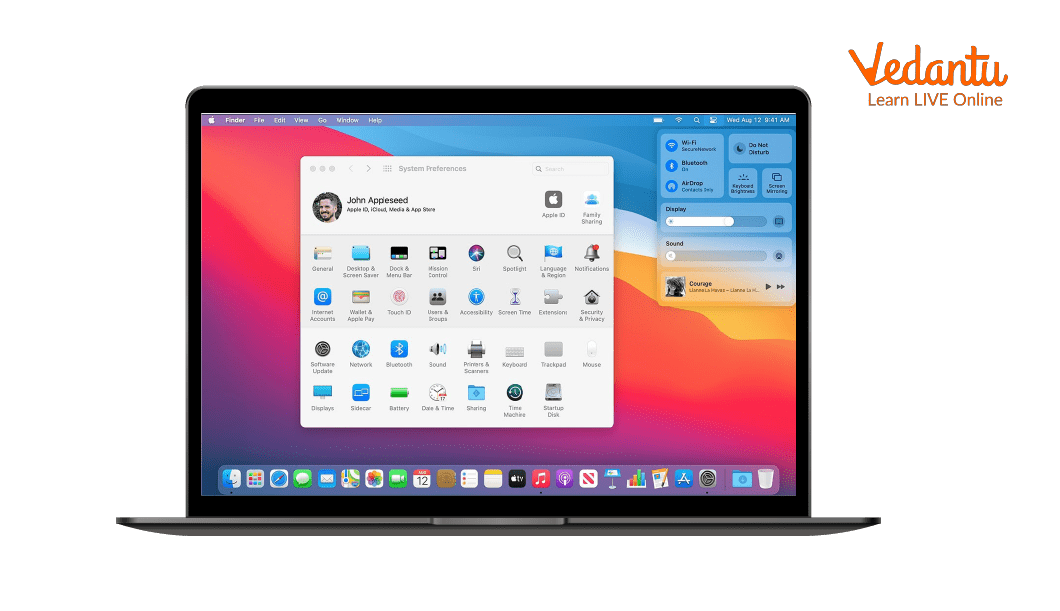
Other Operating Systems for Comparison:
Components and Structure
Understanding the main components helps in getting familiar with Windows effectively.
- Desktop - Main workspace containing icons and shortcuts.
- Taskbar - Located at the bottom, shows running programs and Start button.
- Start Menu - Provides access to applications and system settings.
- File Explorer - Used to manage files and folders.
- Control Panel / Settings - Allows system configuration.
Features and Characteristics
- User Friendly GUI with icons and windows.
- Multitasking capability to run multiple applications simultaneously.
- Plug and Play Support for hardware devices.
- File Management System using NTFS or FAT file systems.
- Security Features such as Windows Defender and firewall.
- Networking Support for internet and local networks.
Advantages
- Easy to learn and use.
- Supports a wide range of software applications.
- Compatible with most hardware devices.
- Regular updates and security improvements.
Disadvantages / Limitations
- Paid license for official versions.
- Vulnerable to malware if not updated.
- May require higher hardware specifications for newer versions.
Applications and Use Cases
- Educational institutions for learning and research.
- Office work such as documentation and presentations.
- Software development and programming.
- Gaming and multimedia applications.
- Internet browsing and communication.
Quick Facts About Windows
| Attribute | Details | Example |
|---|---|---|
| Type | Operating System | System Software |
| Developed By | Microsoft Corporation | USA |
| First Release | 1985 | Windows 1.0 |
| Platform Support | PCs, Laptops, Tablets | x86, x64 |
These quick facts highlight the basic background of Microsoft Windows in computer science.
Windows vs Linux vs Mac OS
| Feature | Windows | Linux / Mac OS |
|---|---|---|
| License | Paid | Linux Free, Mac Paid |
| User Interface | User Friendly GUI | Varies by Distribution |
| Usage | Personal and Office Use | Development and Creative Work |
This comparison helps students understand Windows types and how it differs from other operating systems.
Interesting Facts About Windows
- The first version of Windows was launched in 1985.
- Windows is used by millions of computers worldwide.
- The Start Menu was introduced in Windows 95.
- Windows supports both 32 bit and 64 bit architectures.
- It provides built in tools like Notepad, Paint, and Calculator.
- Windows Defender offers integrated antivirus protection.
Conclusion
Getting Familiar With Windows is essential for building a strong foundation in computer science. It helps learners understand how operating systems manage hardware, software, and user interaction. By exploring its features, components, advantages, and applications, students gain practical knowledge useful in academics and daily life. Mastering Windows not only improves computer literacy but also prepares individuals for advanced studies in operating systems and software technologies.
FAQs on Getting Familiar With Windows for Beginners and Students
1. What is Microsoft Windows in Computer Science?
Microsoft Windows is a widely used operating system (OS) that manages computer hardware and software resources and provides a graphical user interface (GUI) for users.
- Developed by Microsoft
- Supports multitasking and multi-user operations
- Used in personal computers, laptops, and enterprise systems
- Acts as a bridge between hardware and application software
2. What are the main components of the Windows operating system?
The main components of Windows OS include system software elements that manage processes, memory, files, and user interaction.
- Kernel for process and memory management
- File System such as NTFS
- Device Drivers for hardware communication
- Graphical User Interface (GUI)
- Control Panel and Settings for configuration
3. How does Windows work as an operating system?
Windows works by managing hardware resources and executing application programs through system calls and process scheduling.
- Allocates CPU time using scheduling algorithms
- Manages RAM using memory management techniques
- Controls input and output devices via drivers
- Provides security using user accounts and permissions
4. What are the different versions of Windows?
Different Windows versions have been released to improve performance, security, and user experience over time.
- Windows XP
- Windows 7
- Windows 8 and 8.1
- Windows 10
- Windows 11
5. What are the key features of Windows?
Windows features include user-friendly design, multitasking support, and strong software compatibility.
- Graphical User Interface (GUI)
- Multitasking and virtual memory
- File management system
- Networking and internet support
- Built-in security tools like Windows Defender
6. What is the difference between Windows and Linux?
Windows and Linux are operating systems that differ in licensing, user interface, security, and customization.
- Windows is proprietary and user-friendly
- Linux is open-source and highly customizable
- Windows is common in personal and enterprise desktops
- Linux is widely used in servers, cloud computing, and cybersecurity
7. What is the file system used in Windows?
The primary file system in Windows is NTFS (New Technology File System), designed for performance and security.
- Supports large file sizes
- Provides file permissions and encryption
- Includes journaling for error recovery
- Used in modern Windows versions
8. What are the advantages and disadvantages of Windows?
Windows OS offers ease of use and wide compatibility but also has certain limitations.
- Advantages: user-friendly, large software support, strong gaming ecosystem
- Disadvantages: paid license, higher malware targeting, less customization than Linux
9. What is the role of Windows in programming and software development?
Windows provides a development environment for programming, software engineering, and application testing.
- Supports languages like C, C++, Java, Python, and C#
- Provides tools such as Visual Studio and PowerShell
- Used for web development, database management, and AI applications
- Offers SDKs and APIs for application development
10. Why is Windows important for exams and interviews?
Understanding Windows operating system concepts is important for school exams, competitive exams, and technical interviews.
- Common topic in Computer Science fundamentals
- Questions on OS components, file systems, and features
- Relevant for IT support and system administration roles
- Forms the base for learning advanced topics like networking and cybersecurity
