









What Is Floppy Disk Formatting and How Does It Work
A floppy disk was once a widely used portable storage device for transferring and storing data. Although it is now considered obsolete, understanding how to format a floppy disk remains an important part of computer fundamentals and storage device management. Formatting prepares the disk to store files by organizing it into tracks and sectors. In computer science, learning about floppy disk formatting helps students understand basic storage concepts, file systems, and data management techniques that are still relevant in modern storage technologies.
Definition and Meaning
How To Format A Floppy Disk refers to the process of preparing a floppy disk so that it can store data properly. Formatting creates a file system and divides the disk surface into organized sections for efficient data storage and retrieval.
- Floppy Disk - A magnetic storage device used to store small amounts of data.
- Formatting - The process of preparing a storage device to store files.
- File System - A method used by the operating system to organize and manage files.
- Tracks and Sectors - Circular paths and subdivisions on the disk where data is stored.
How It Works - Working Principle
The How To Format A Floppy Disk working process involves preparing the magnetic surface of the disk to store data in a structured manner. Formatting removes existing data and creates a file allocation structure that the operating system can use.
- Insert the floppy disk into the floppy disk drive.
- Open "My Computer" or "This PC" on the system.
- Right click on the floppy drive icon.
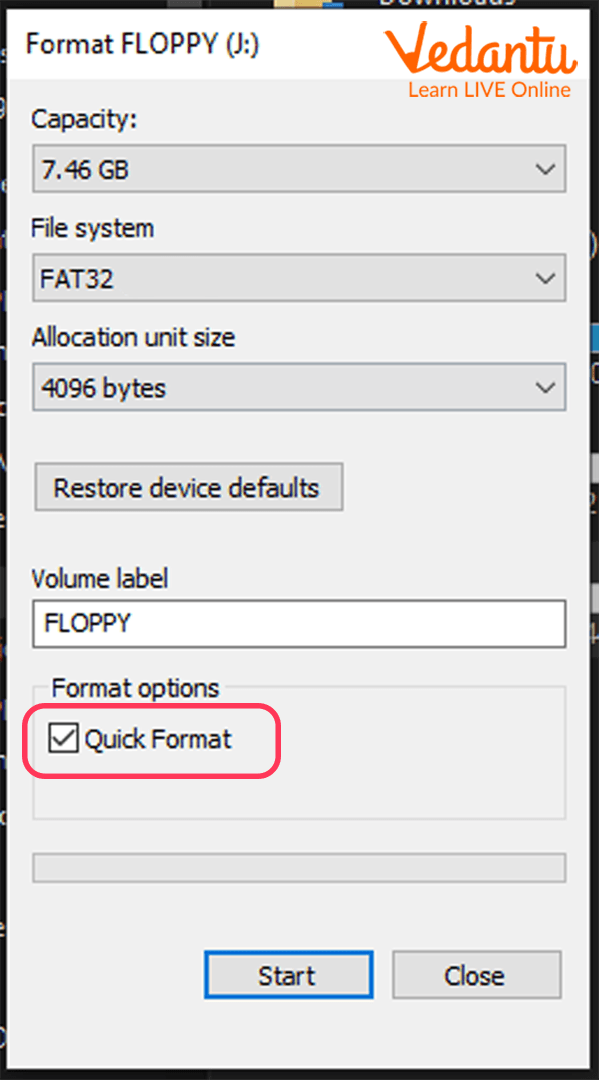
- Select the Format option from the menu.
- Choose the required file system and capacity options.
- Click the Start button to begin formatting.
- Wait until the process completes and confirmation appears.
During formatting, the system divides the disk into tracks and sectors, checks for damaged areas, and creates a directory structure for storing files.
Types and Classification
Floppy disk formatting can be classified into different types based on the method used.
- Low Level Formatting - Physically divides the disk into tracks and sectors. Usually done by the manufacturer.
- High Level Formatting - Creates a file system such as FAT on the disk so that files can be stored.
- Quick Format - Deletes the file table but does not scan the disk for bad sectors.
- Full Format - Deletes data and scans the disk for errors or bad sectors.
Components and Structure
Understanding the structure of a floppy disk helps in learning how formatting works.
- Magnetic Disk Surface - Stores data using magnetic patterns.
- Tracks - Circular paths where data is recorded.
- Sectors - Subdivisions of tracks that store smaller units of data.
- File Allocation Table - FAT - Maintains information about file locations.
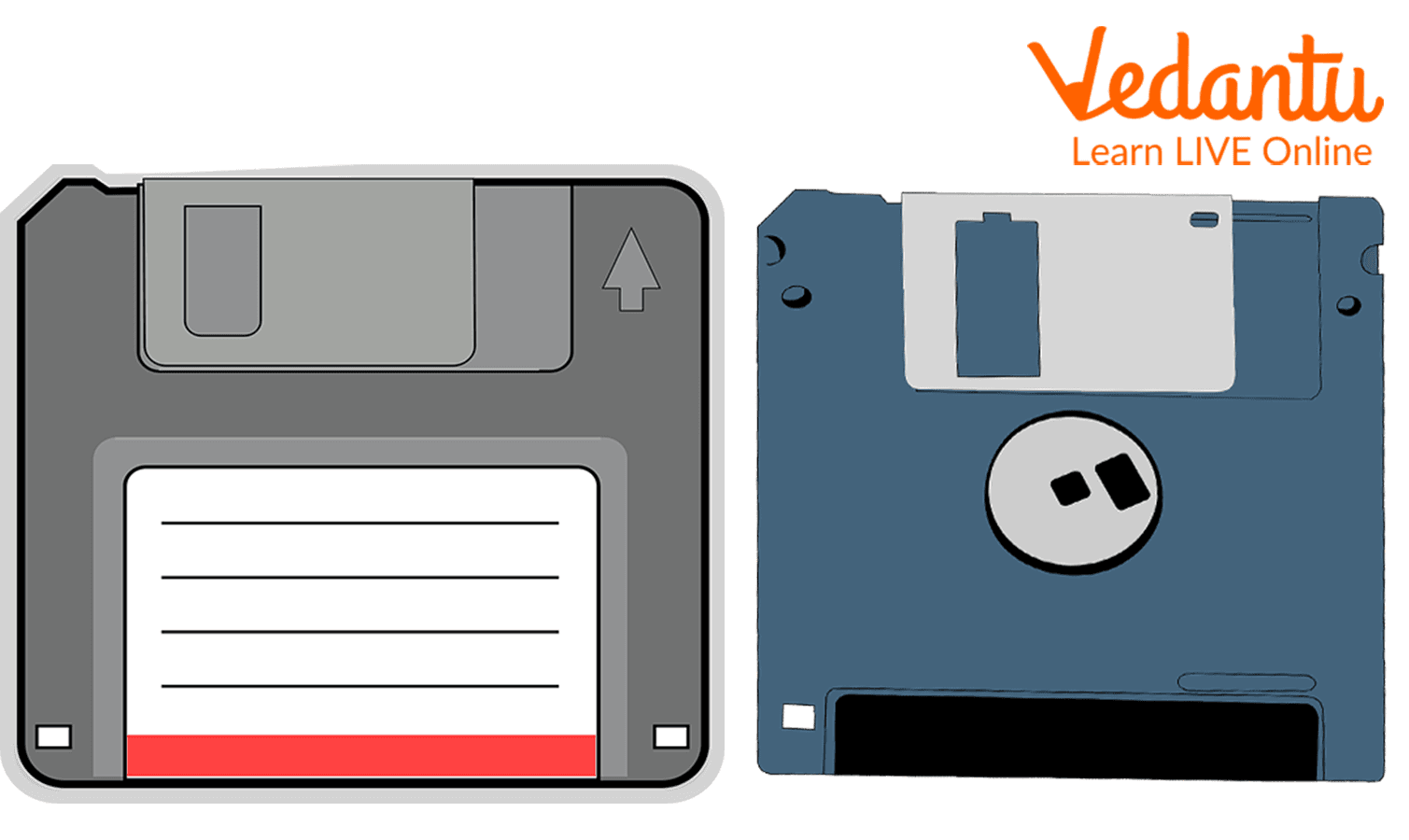
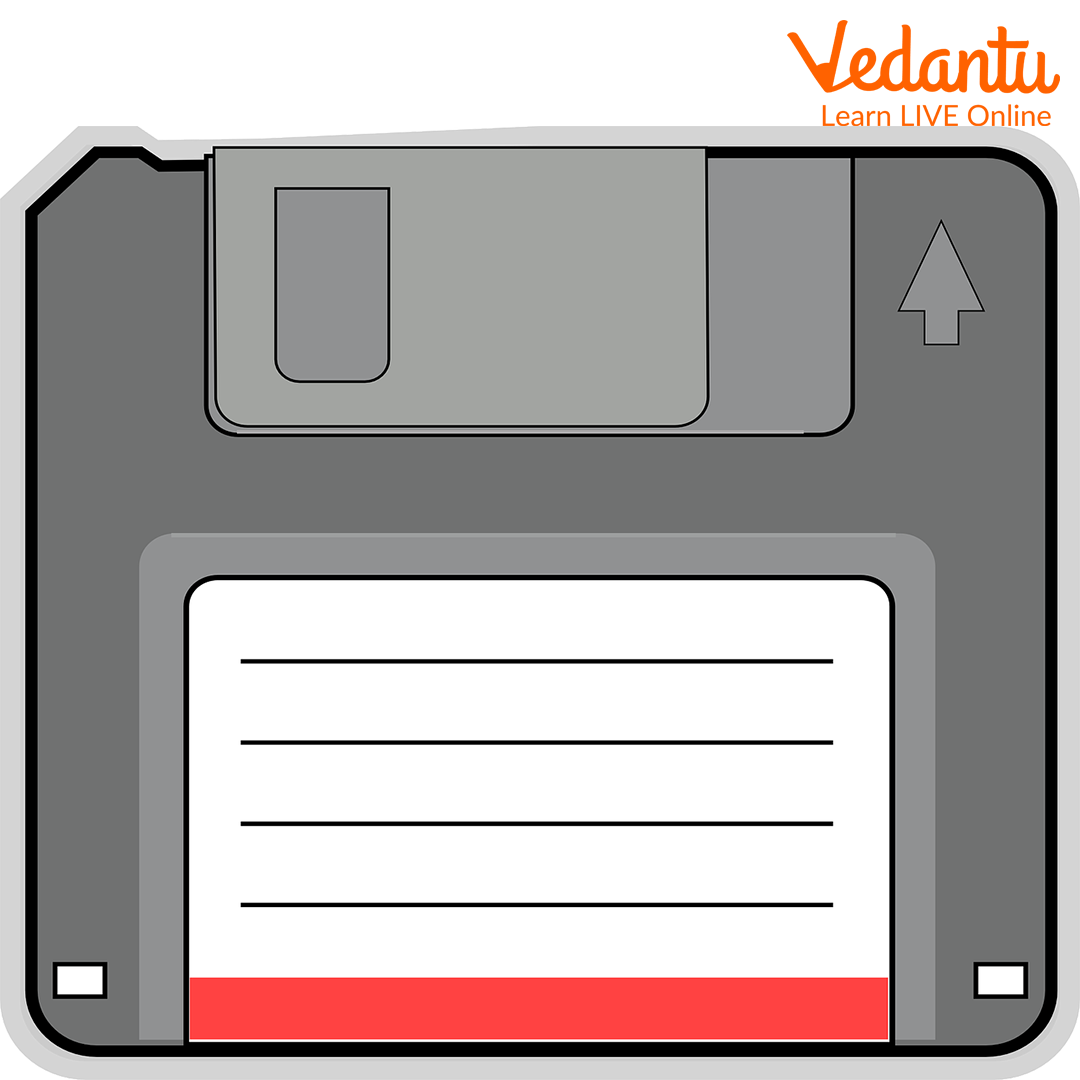
- Write Protect Notch - Prevents accidental data modification.
Features and Characteristics
- Storage capacity typically 1.44 MB for 3.5 inch floppy disks.
- Uses magnetic storage technology.
- Portable and removable storage device.
- Supports FAT file system.
- Formatting prepares the disk for data storage.
Advantages
- Simple and easy formatting process.
- Low cost storage medium during its time.
- Portable and convenient for small file transfers.
- Helped in early software distribution and backups.
Disadvantages / Limitations
- Very limited storage capacity.
- Slow data transfer speed.
- Easily damaged by dust, heat, or magnetic fields.
- Now obsolete and replaced by USB drives and cloud storage.
Applications and Use Cases
- Storing and transferring small files.
- Bootable system disks in older computers.
- Software installation and distribution in early computing.
- Educational demonstration of storage concepts.
Quick Facts About Floppy Disk Formatting
| Category | Details | Example |
|---|---|---|
| Storage Type | Magnetic Storage | 3.5 inch Floppy Disk |
| Capacity | Up to 1.44 MB | High Density Disk |
| File System | FAT | FAT12 |
These facts summarize key technical information related to floppy disk formatting in computer science.
Interesting Facts About How To Format A Floppy Disk
- The floppy disk icon is still used as the save symbol in many software applications.
- Early operating systems required manual formatting before first use.
- Full formatting checks for bad sectors on the disk.
- Floppy disks were available in 8 inch, 5.25 inch, and 3.5 inch sizes.
- Formatting permanently removes stored data unless recovered using special tools.
- Floppy disks were widely used from the 1970s to the early 2000s.
Conclusion
Understanding How To Format A Floppy Disk in computer science helps learners grasp fundamental storage and file system concepts. Although floppy disks are no longer commonly used, the formatting process illustrates how operating systems organize and manage data on storage devices. These principles remain relevant in modern technologies such as hard drives, SSDs, and USB drives. Learning about floppy disk formatting builds a strong foundation in computer storage systems and data management.
FAQs on How To Format A Floppy Disk in Computer Systems
1. What is formatting a floppy disk in Computer Science?
Formatting a floppy disk is the process of preparing the magnetic storage medium to store data by creating a proper file system and disk structure.
- Organizes the disk into tracks and sectors
- Creates a file system such as FAT12
- Removes existing data and prepares it for new files
2. Why is it necessary to format a floppy disk?
Formatting a floppy disk is necessary to make it usable by an operating system for data storage and retrieval.
- Initializes disk structure for the OS
- Removes corrupted or unwanted data
- Prepares the disk for bootable or regular storage use
3. How do you format a floppy disk in Windows?
You can format a floppy disk in Windows using File Explorer or the Command Prompt with the format command.
- Insert the floppy disk into the drive
- Right-click the drive (A:) and select Format
- Or use Command Prompt: format A:
4. What file system is used when formatting a floppy disk?
Most floppy disks use the FAT12 file system, which is suitable for small-capacity storage devices.
- Common for 1.44 MB floppy disks
- Supported by MS-DOS and early Windows operating systems
- Simple structure for low-capacity storage media
5. What are the types of formatting for a floppy disk?
There are two main types of floppy disk formatting: low-level formatting and high-level formatting.
- Low-level formatting creates tracks and sectors on the disk
- High-level formatting creates the file system structure
- High-level formatting is commonly done by users
6. What happens to data after formatting a floppy disk?
After formatting a floppy disk, the file system structure is recreated and previous data becomes inaccessible.
- Directory entries are erased
- Actual data may remain until overwritten
- Data recovery may be possible with special software
7. What are the main components of a floppy disk involved in formatting?
Formatting interacts with the physical and logical components of the floppy disk hardware.
- Magnetic disk surface for data storage
- Tracks and sectors for logical organization
- Boot sector and file allocation table (FAT)
8. What is the command syntax to format a floppy disk in DOS?
In MS-DOS, the floppy disk is formatted using the format command with drive specification.
- Basic syntax: format A:
- For system disk: format A: /S
- Options allow quick format and volume labeling
9. What are the advantages and disadvantages of formatting a floppy disk?
Formatting a floppy disk helps organize storage but also removes existing data.
- Advantages: fixes logical errors, prepares disk for reuse, ensures compatibility
- Disadvantages: data loss risk, limited storage capacity (1.44 MB), outdated technology
10. Is formatting a floppy disk still relevant for exams and interviews?
Yes, formatting a floppy disk remains relevant in Computer Science exams to understand basic storage concepts and file systems.
- Important for learning about secondary storage devices
- Helps explain file systems like FAT
- Common topic in school-level and competitive exam preparation
