









What is Multimedia Types Components and Real World Uses
Multimedia is an important concept in computer science that combines different forms of content such as text, images, audio, video, and animation to present information in an interactive and engaging way. It plays a major role in education, communication, entertainment, business, and web development. With the growth of digital technology and the internet, multimedia has become a core part of modern computing systems. Understanding multimedia in computer science helps students learn how digital content is created, processed, stored, and delivered across various platforms and devices.
Definition and Meaning
Multimedia definition in computer science refers to the integration of multiple forms of media to communicate information digitally. It allows users to experience content through more than one sensory channel, such as sight and sound.
- Text - Written words and characters used to convey information.
- Graphics - Images, drawings, charts, and photographs.
- Audio - Sound, music, speech, and voice recordings.
- Video - Moving visual content with or without sound.
- Animation - Moving graphics created by displaying a sequence of images.
How Multimedia Works
Multimedia working involves capturing, storing, processing, and presenting different media elements through computer systems. These elements are combined using software tools and delivered via digital devices such as computers, smartphones, and tablets.
- Content Creation - Text, images, audio, and video are created using various tools.
- Digitization - Analog media such as sound and video are converted into digital format.
- Integration - Multimedia authoring software combines all media elements into a single application or presentation.
- Storage - Data is stored in digital formats such as MP3, MP4, JPEG, PNG, or HTML files.
- Delivery - Multimedia content is delivered through websites, apps, presentations, or streaming platforms.
Types and Classification
Multimedia types are generally classified based on user interaction and presentation style.
- Linear Multimedia - Content plays in a fixed sequence without user control. Example: Movies, television programs.
- Non Linear Multimedia - Users can interact and control the content. Example: Educational software, websites, games.
- Interactive Multimedia - Allows active participation using input devices like mouse, keyboard, or touch screen.
- Hypermedia - Multimedia content linked through hyperlinks for easy navigation.
Elements of Multimedia
The core elements combine to create a complete multimedia system.
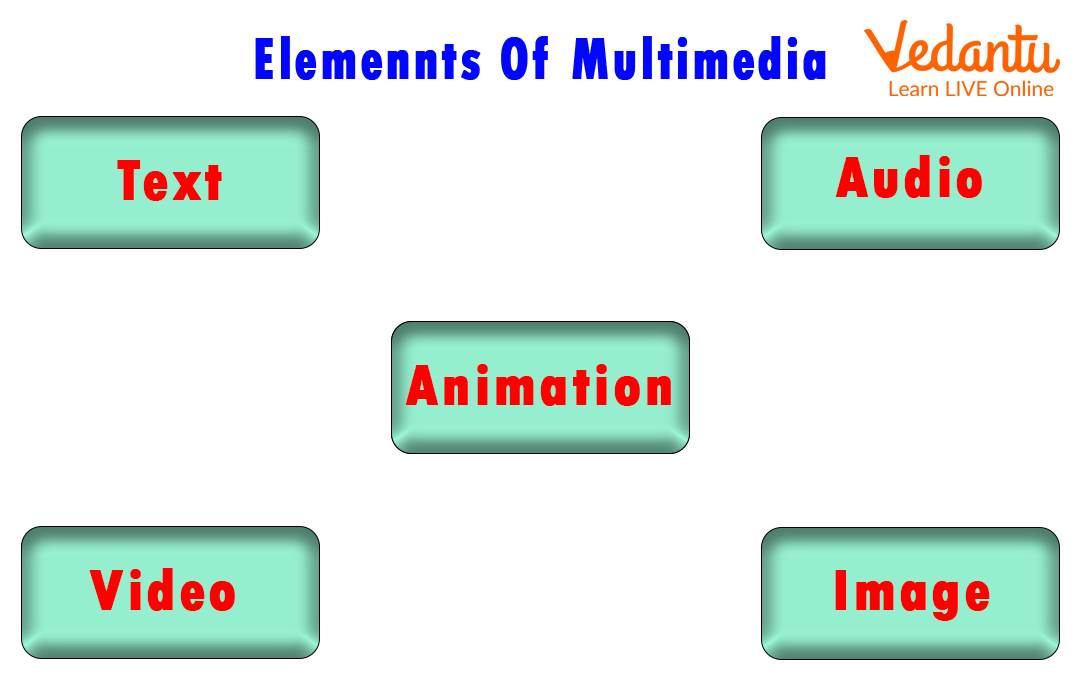
- Text

- Graphics
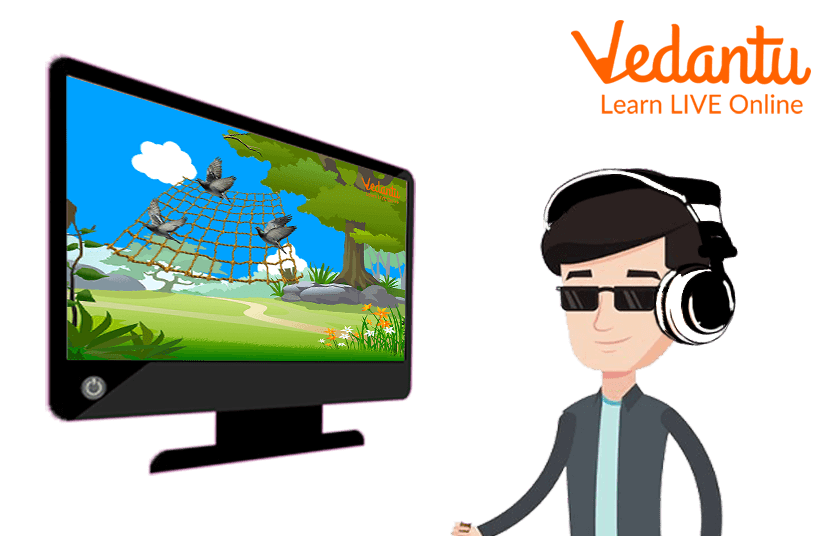
- Audio

- Video

- Animation
Features and Characteristics
- Integration of multiple media in a single platform.
- Interactivity allows user participation.
- Digital representation of all media elements.
- High engagement through audio visual content.
- Non linear navigation through hyperlinks.
Advantages
- Improves understanding through visual and audio support.
- Makes learning interactive and engaging.
- Supports distance learning and online education.
- Enhances communication and presentations.
- Widely supported across devices and platforms.
Disadvantages
- Requires high storage space and bandwidth.
- Development can be time consuming and costly.
- Needs specialized hardware and software.
- Large file sizes may slow down systems.
Applications and Use Cases
Multimedia applications are widely used across various industries.
- Education
- Communication

- Business

- Entertainment

- General Multimedia Examples

Quick Facts About Multimedia
| Aspect | Details | Examples |
|---|---|---|
| Type | Linear and Non Linear | Movies, Interactive Websites |
| Core Elements | Text, Graphics, Audio, Video, Animation | MP4, MP3, JPEG, GIF |
| Used For | Education, Communication, Business | E learning, Advertising, Gaming |
These quick facts summarize the essential aspects of multimedia in computer science and its wide range of practical uses.
Interesting Facts About Multimedia
- The term multimedia became popular in the 1990s with the growth of personal computers.
- Video streaming platforms rely heavily on multimedia compression techniques.
- Modern web pages use HTML5 to support multimedia without additional plugins.
- Multimedia files use compression algorithms to reduce storage size.
- Virtual reality and augmented reality are advanced forms of multimedia systems.
- Gaming industry is one of the largest users of multimedia technology.
Conclusion
Multimedia in computer science is a powerful method of presenting information by combining text, graphics, audio, video, and animation. It enhances learning, communication, and entertainment through interactive and engaging content. By understanding multimedia definition, types, features, and applications, students gain insight into how modern digital systems function. Multimedia continues to evolve with advancements in technology, making it a crucial area of study in computer science and digital communication.
FAQs on Multimedia Concepts and Applications in Computer Science
1. What is Multimedia in Computer Science?
Multimedia in Computer Science refers to the integration of multiple media elements such as text, audio, images, video, and animation using computer systems and software.
- Combines hardware and software technologies
- Used in applications like web development, e-learning, gaming, and digital marketing
- Supports interactive and non-interactive communication
2. What are the main components of a Multimedia system?
The main components of a Multimedia system include input devices, output devices, storage, software, and network support for handling media data.
- Input devices: microphone, camera, scanner
- Output devices: monitor, speakers, projector
- Storage: hard disk, SSD, cloud storage
- Software: media players, editors, browsers
3. What are the different types of Multimedia?
Multimedia is mainly classified into linear multimedia and non-linear multimedia based on user interaction.
- Linear multimedia: plays in a fixed sequence without user control, such as movies
- Non-linear multimedia: allows user interaction, such as websites and video games
4. How does a Multimedia system work?
A Multimedia system works by capturing, processing, storing, and presenting different media types using computer hardware and software technologies.
- Media is captured through input devices
- Processed using multimedia software and codecs
- Stored in digital formats like MP4, MP3, JPEG
- Displayed through output devices or web applications
5. What are the applications of Multimedia in real-world systems?
Multimedia is widely used in education, entertainment, business, healthcare, and communication systems.
- E-learning platforms and virtual classrooms
- Gaming and animation industry
- Video conferencing and social media
- Medical imaging and simulation systems
6. What are the advantages and disadvantages of Multimedia?
Multimedia enhances user engagement but requires high storage, bandwidth, and processing power.
- Advantages: interactive learning, better visualization, improved communication
- Disadvantages: large file size, high system requirements, development cost
7. What are common Multimedia file formats used in Computer Science?
Multimedia systems use various digital file formats to store audio, video, and image data efficiently.
- Audio: MP3, WAV, AAC
- Video: MP4, AVI, MKV
- Image: JPEG, PNG, GIF
- Animation: GIF, WebM
8. What is the role of Multimedia in web development?
Multimedia plays a key role in web development by enhancing user experience through interactive and dynamic content.
- Embedded using HTML5 audio and video tags
- Improves UI/UX design
- Supports animations using CSS and JavaScript
- Optimized for performance using compression techniques
9. What are Multimedia authoring tools and examples?
Multimedia authoring tools are software applications used to create, edit, and manage multimedia content.
- Adobe Animate and Adobe Premiere Pro
- Blender for 3D animation
- Camtasia for video editing
- Unity for interactive multimedia and game development
10. Why is Multimedia important for exams and interviews in Computer Science?
Multimedia is important for exams and interviews because it covers core concepts of digital media, compression, networking, and interactive system design.
- Common topic in school and university syllabi
- Asked in competitive exams and technical interviews
- Related to fields like web development, graphics, and human-computer interaction
